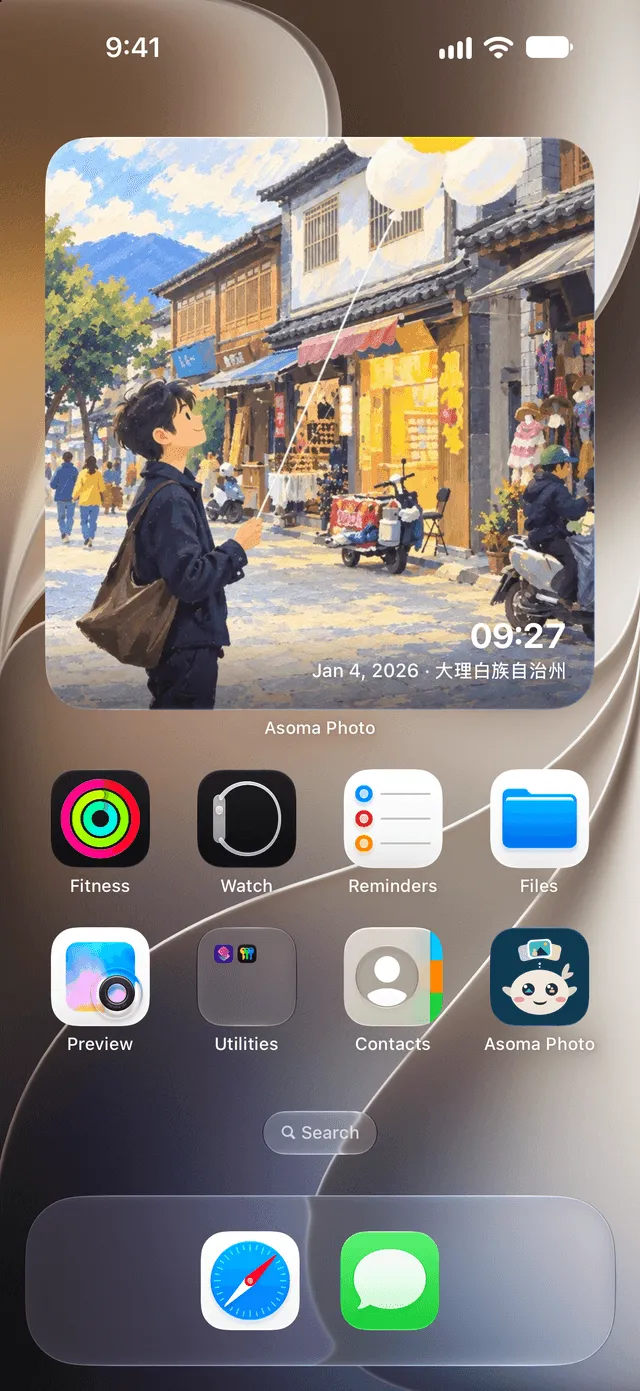




Every day you lived, gently kept.
Import your photos, and Asoma Photo quietly gives each day its own album, finds the moments worth keeping, and remembers the faces you love — all on your iPhone, and nowhere else.
Download on the App Store Import your photos, and Asoma Photo quietly gives each day its own album, finds the moments worth keeping, and remembers the faces you love — all on your iPhone, and nowhere else.
Download on the App Store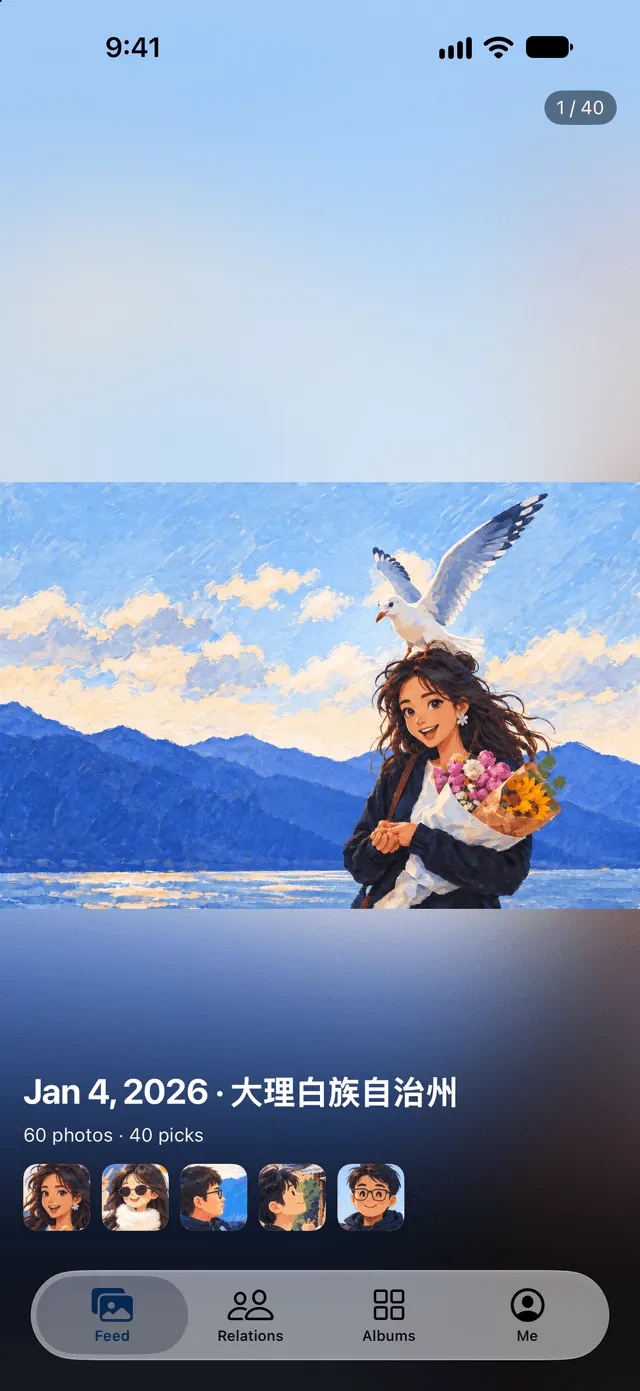

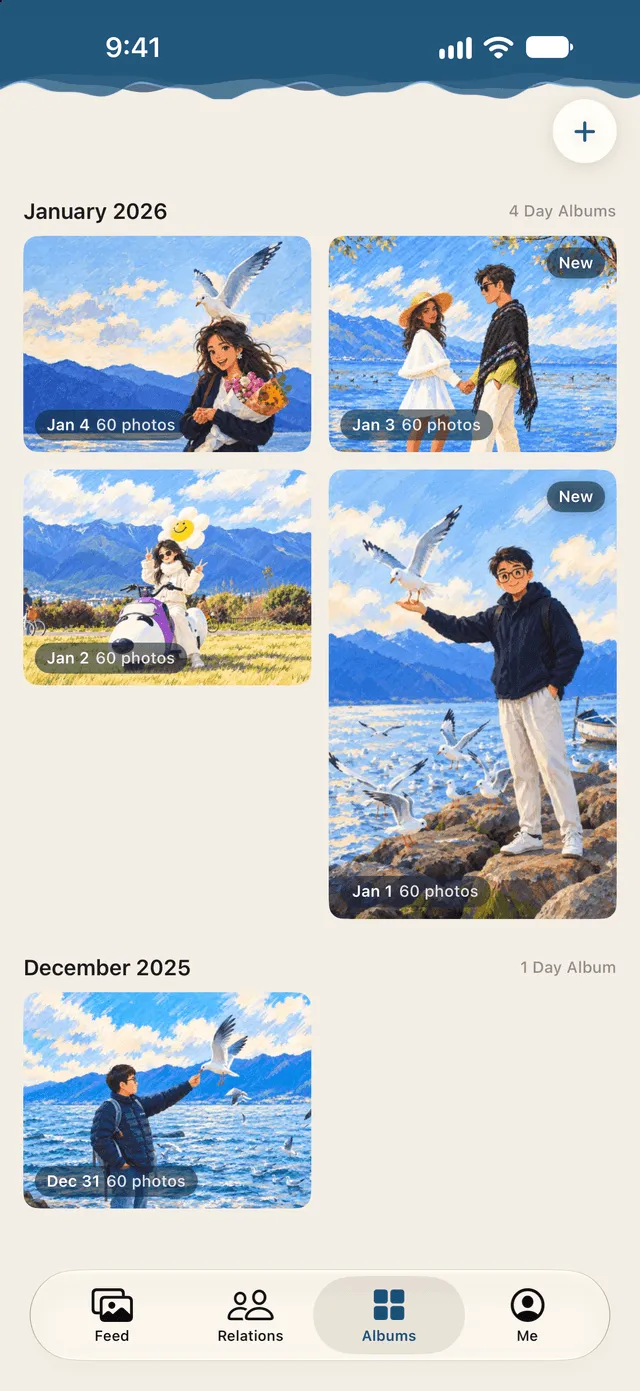
Photos pile up, and nobody scrolls back. Asoma gathers the photos you import into a Day Album for each day, sorted by month — all your days in one place.
Every day, Asoma picks the best shots and shows them full screen. Swipe to see the next one. Your Feed shows the last three days.
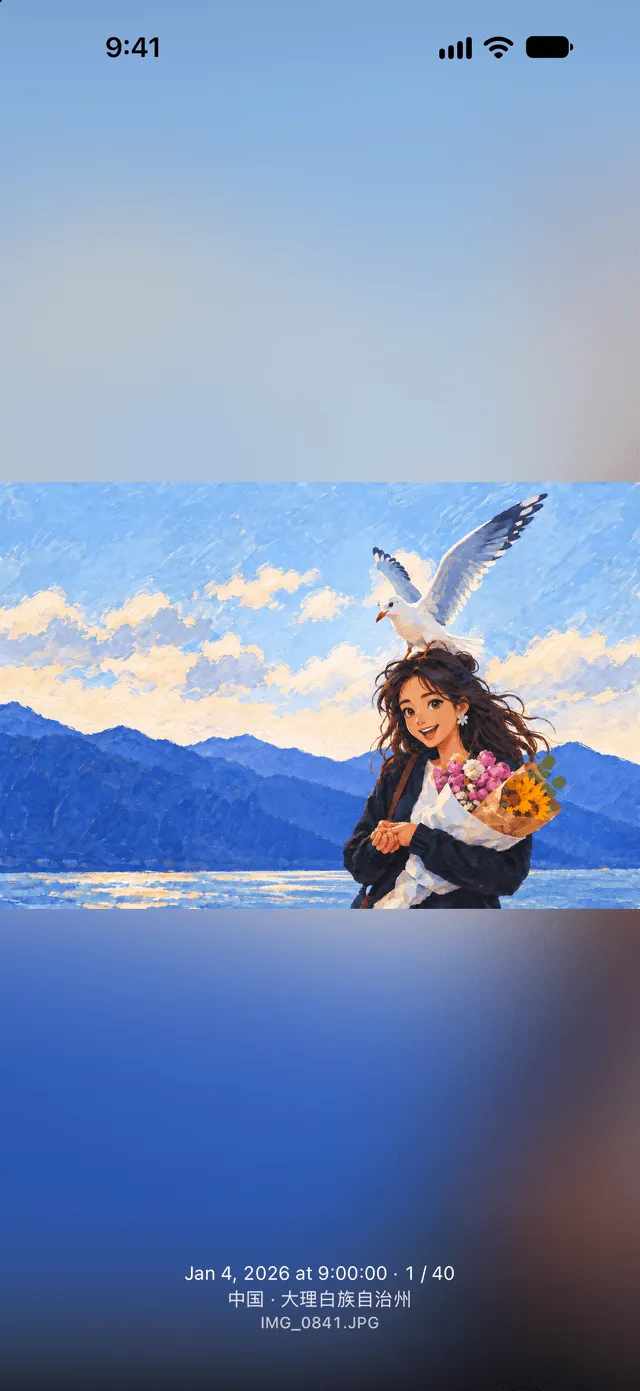
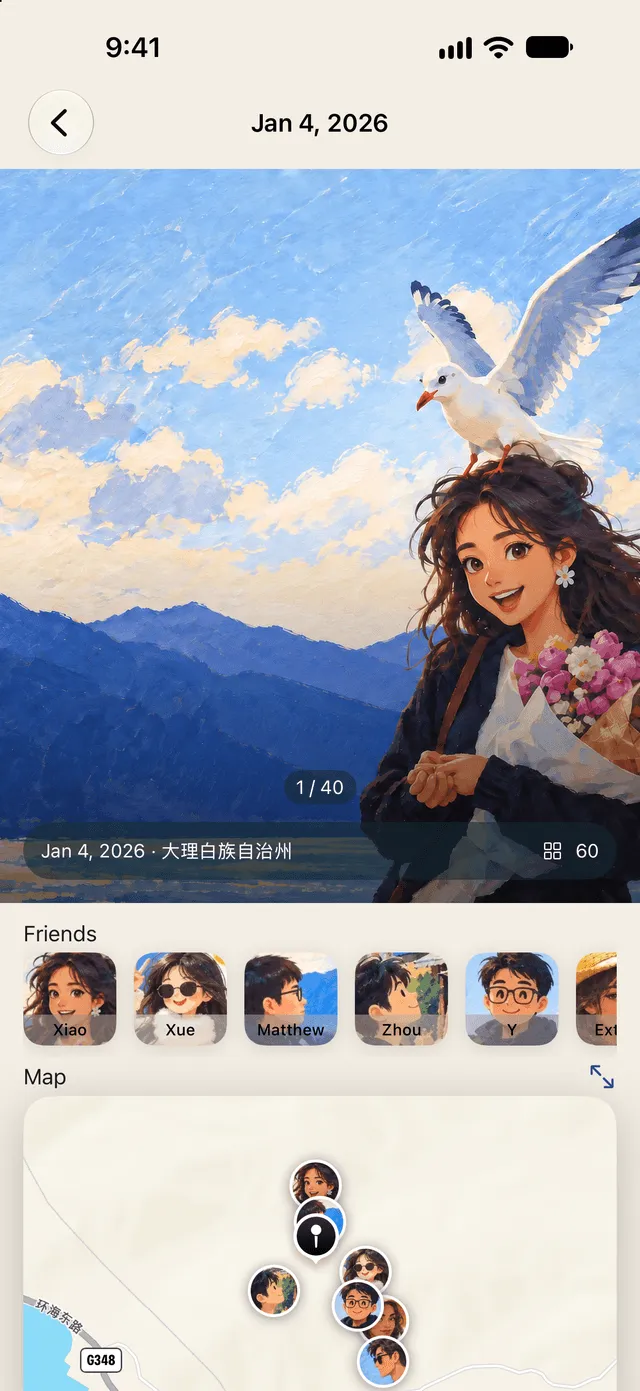
Open any Day Album and Asoma already knows who's there: the same face, grouped together on your iPhone. All you do is tell it who that is.
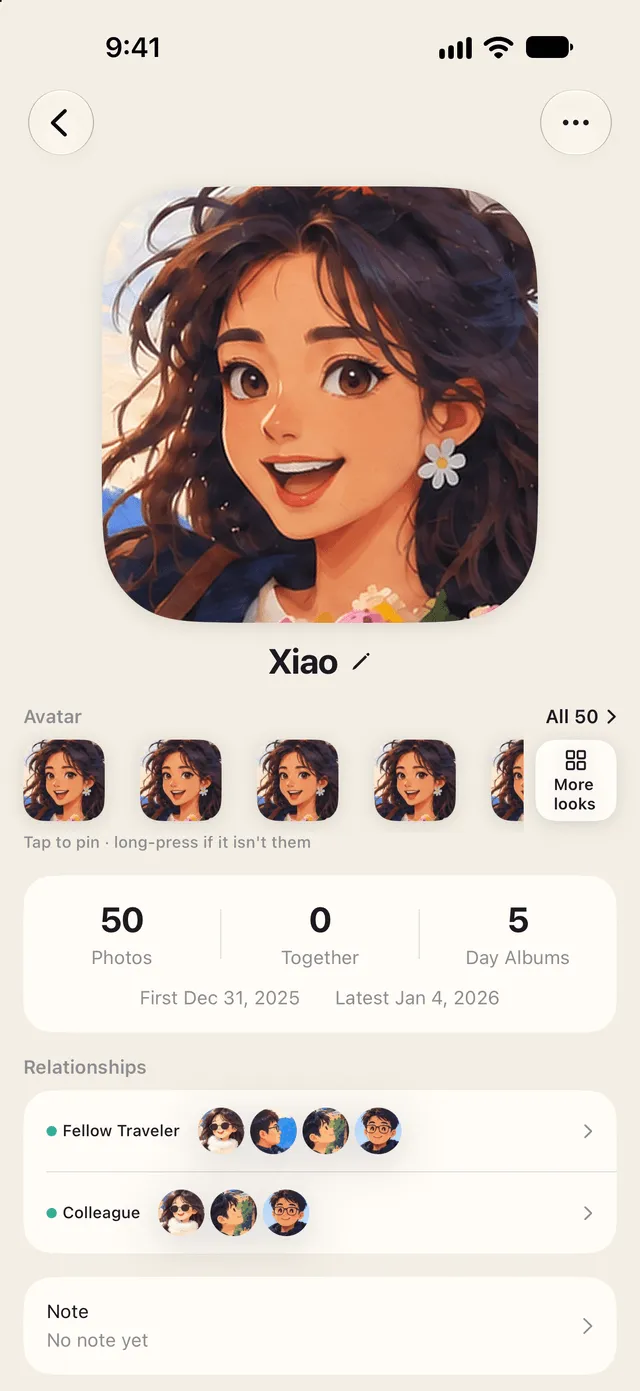
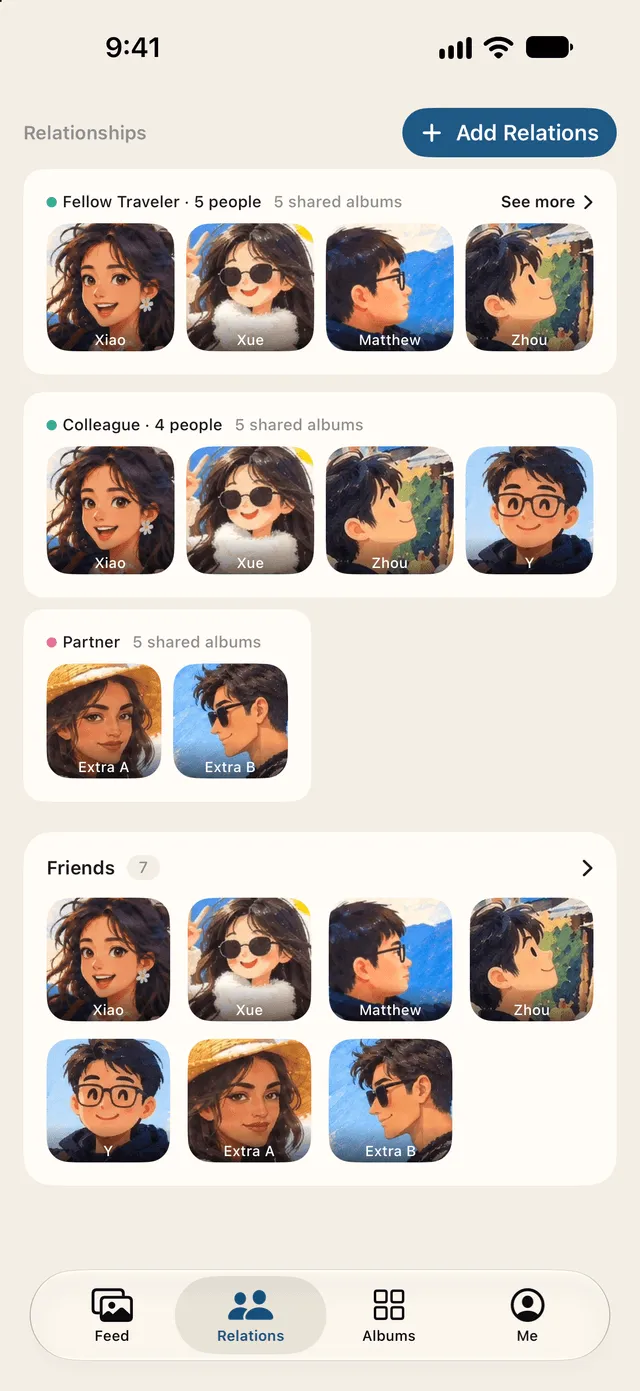
Group the people you care about — a partner, family, friends, colleagues, classmates, travel companions — and see the days you spent together. Mark which one is you, and every person's page shows the photos of you two and the days you shared.

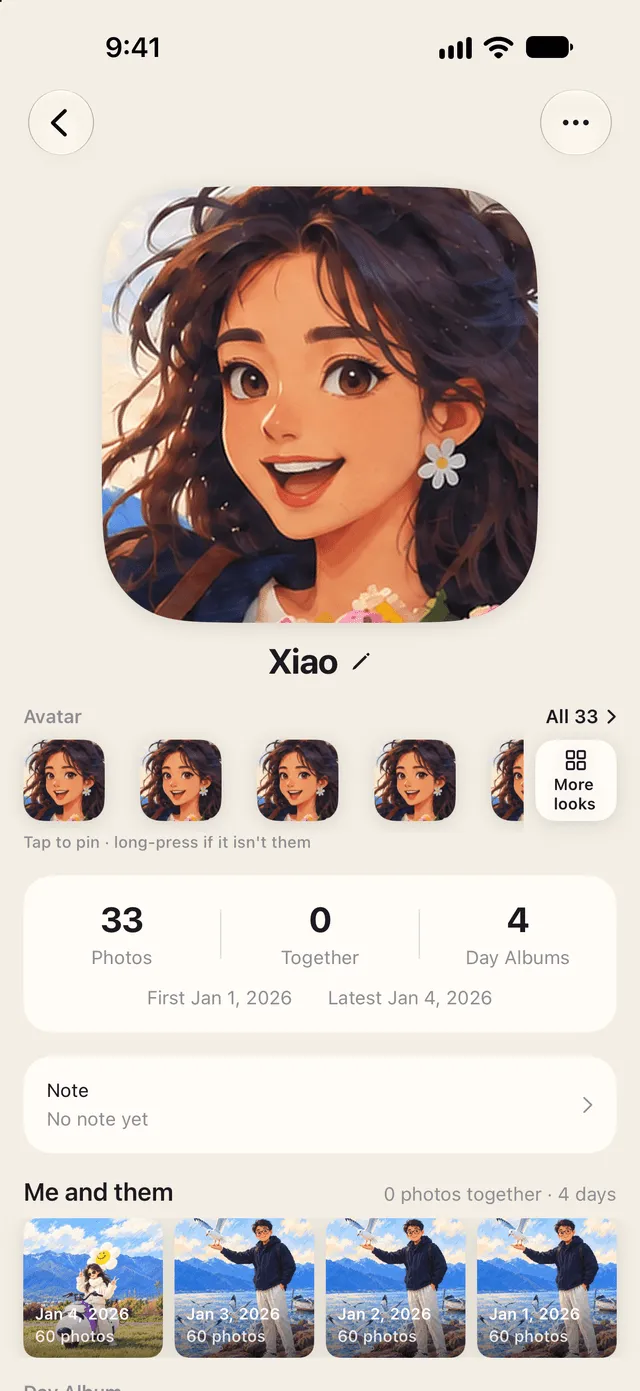
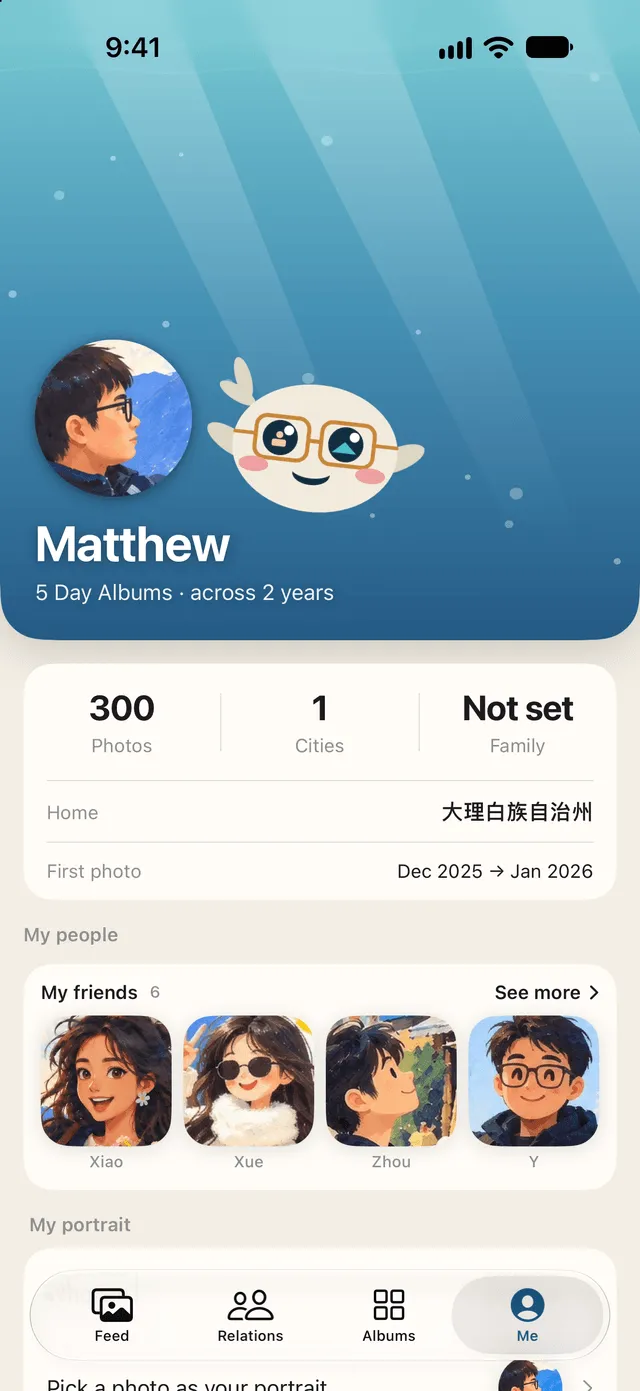
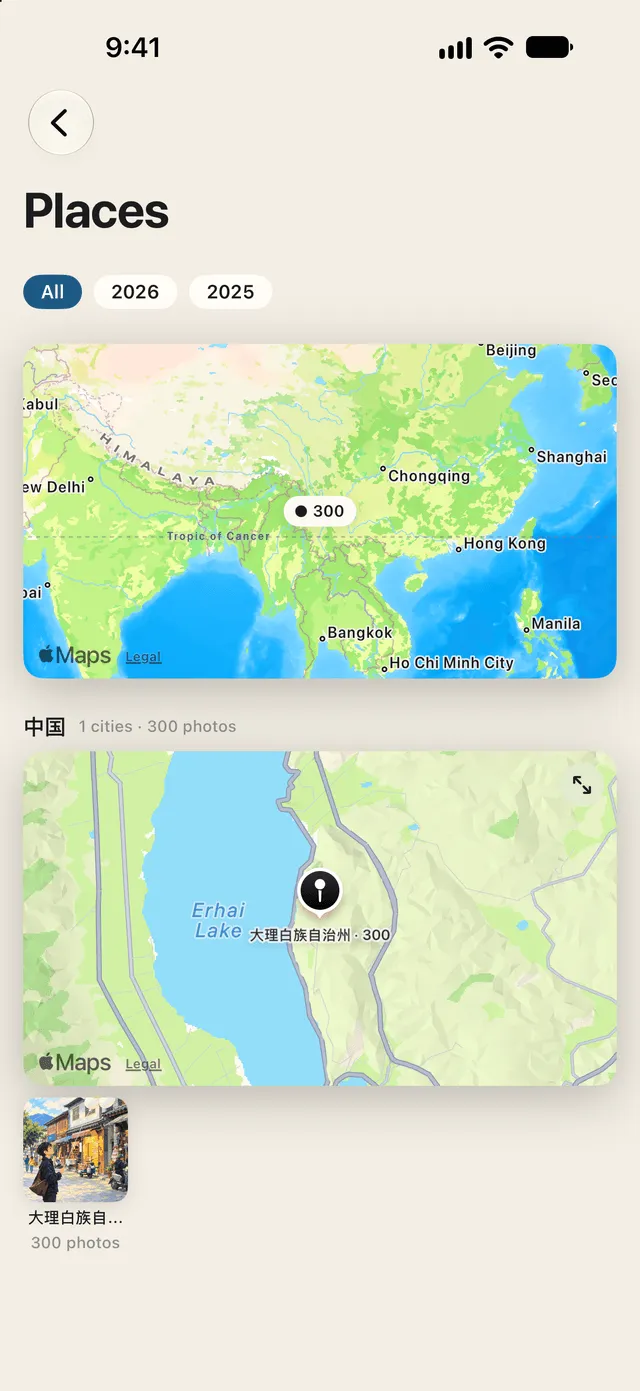
The Me page brings everything together — Day Albums from your earliest month to now, cities visited, family and friends in two groups. Tap a year for your year in review: photos, days, countries, cities, places, people and scenes.
 02:0007:00